


- On this Page
- Style & Appearance
- Examples
- Admin UI
- Recommendations
Style & Appearance
Description
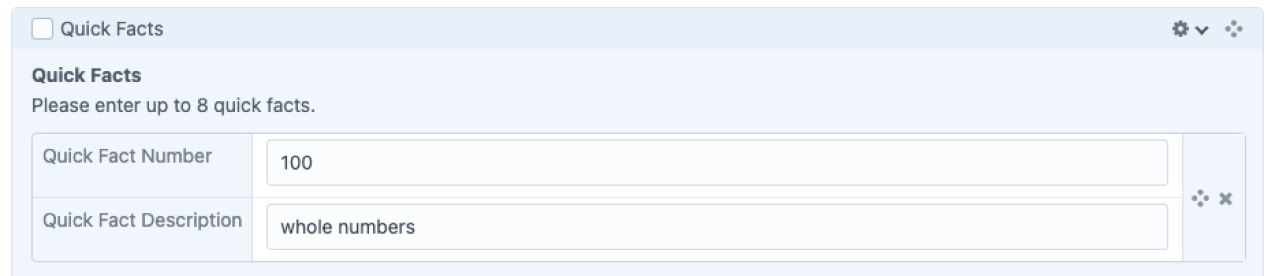
The Quick Facts block was developed to display numerical and textual data for users to quickly gain an overview of some basic statistics related to your page.
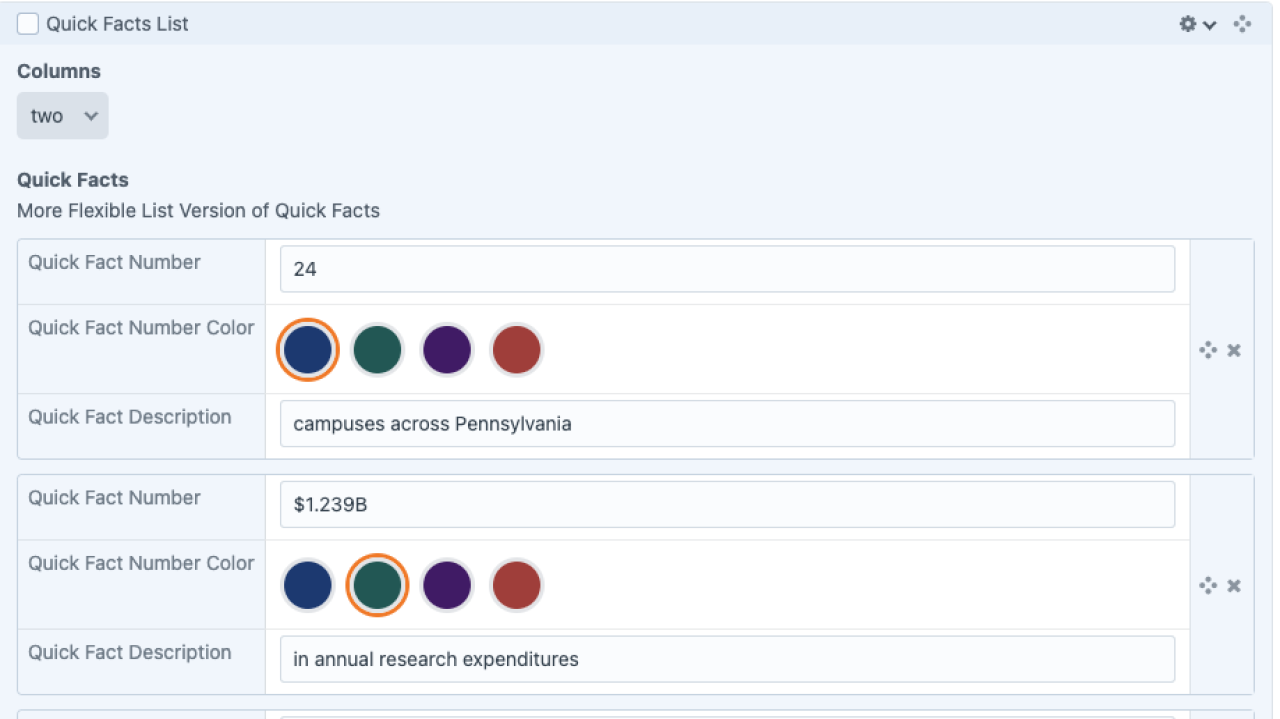
The Quick Facts List serves a similar purpose to the original Quick Facts, but allows for lengthier text and the application of different colors to add meaning and clarity to a list of facts.
Available Styles
Borderless
Bordered
Boxed
Quick Facts List
Quick Facts List
24
campuses across Pennsylvania
$1.239B
in annual research expenditures
1000+
student clubs and organizations
#5
best public schools for internships
5-star
rating for LGBTQ students
50,000
career-readiness programs
Admin UI
Default Traits & Behaviors
- Add numerical values, keyboard symbols, or text to either the Number or Description fields.
- The row pairs can be reordered.
Interface view
Quick Facts
Quick Facts List
Recommendations
- Use Container Start/End blocks to add background color
- Test your Quick Facts at different screen sizes and on different devices to make sure you're happy with the results.
- Use a text block to provide a heading or more context for your Quick Facts, when helpful.